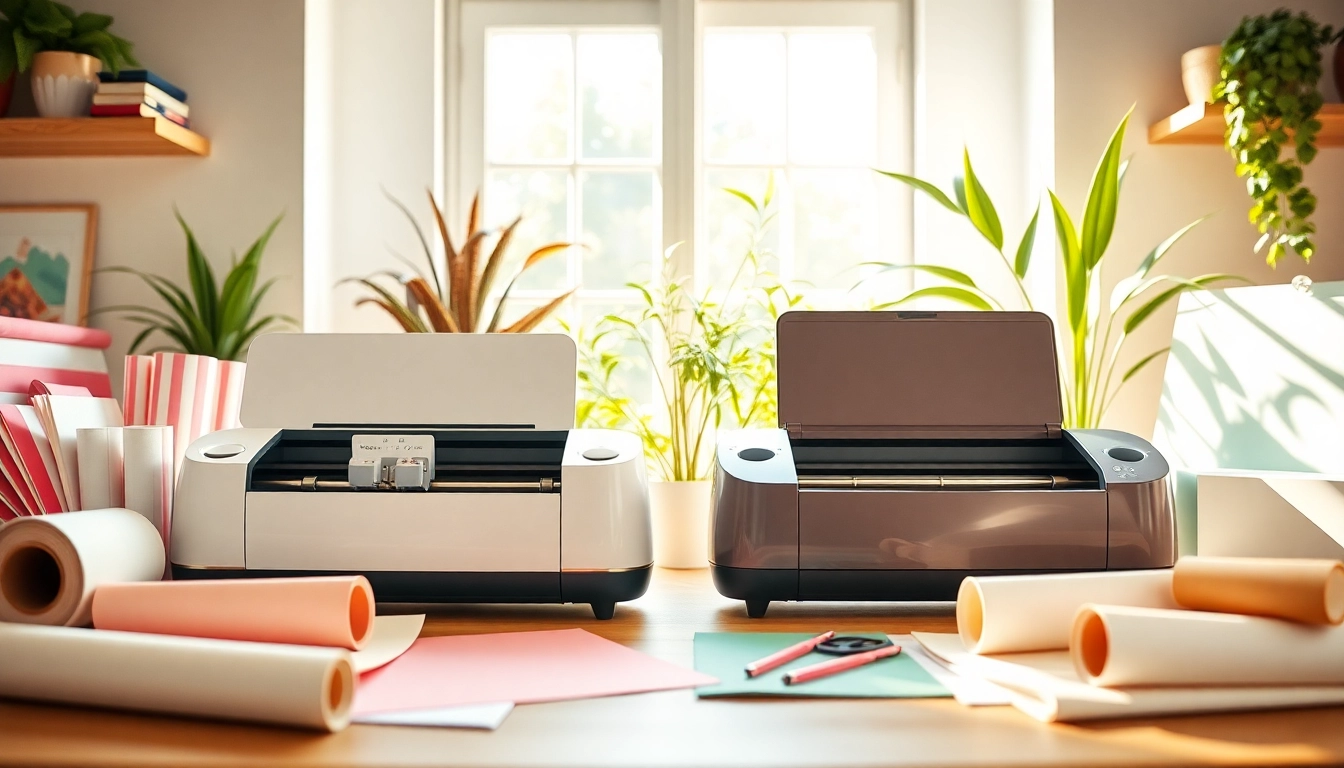
Understanding the Basics: Silhouette vs Cricut
For crafters, choosing between cutting machines can often feel like navigating a maze. With the burgeoning popularity of both Silhouette and Cricut cutting machines, it is essential to understand the fundamental differences and similarities between these two leading brands. Each machine offers unique features tailored to various crafting styles and preferences, and this guide aims to dissect the intricacies of the silhouette vs cricut debate to help you make an informed choice that suits your crafting needs.
1. Overview of Cricut Machines
Cricut machines are renowned for their user-friendly interface and extensive capabilities. The most popular models include the Cricut Explore series and the Cricut Maker, which are designed to accommodate a range of materials from paper to fabric. The Cricut Maker, in particular, stands out with its adaptive tool system, allowing users to switch between tools for cutting, writing, and debossing, thereby expanding creative possibilities. Additionally, Cricut's Design Space software provides a robust platform for creating and personalizing projects with ease.
2. Overview of Silhouette Machines
In contrast, Silhouette machines, particularly the Cameo series, are favored for their versatile design software, Silhouette Studio, which gives users intricate control over their projects. The Cameo 4 introduces features such as a built-in roll feeder and a stronger blade that can cut through thicker materials, making it a competitive option for professionals and hobbyists alike. Silhouette machines are also known for their ability to work with a wider range of material sizes and types, making them a great choice for custom projects.
3. Key Differences in Features
- Cutting Force: The Cricut Maker can cut thicker materials with a cutting force of up to 4,000 grams, whereas the Silhouette Cameo 4 offers a maximum cutting force of 5,000 grams.
- Software Usage: Cricut users benefit from the intuitive Design Space, while Silhouette users often prefer the more complex Silhouette Studio, which offers more editing capabilities but has a steeper learning curve.
- Cost of Accessories: Generally, Cricut accessories such as blades and mats tend to be more affordable, however, Silhouette machines often come with more included tools which can justify their price point.
Comparative Analysis of Performance and Usability
1. Cutting Precision: Silhouette vs Cricut
When it comes to cutting precision, both machines have their strengths. The Cricut Maker excels in creating clean, intricate cuts on various materials, including heavier fabrics. The Silhouette Cameo, however, is unparalleled in its design capabilities, allowing for complex shapes and designs that can be manipulated more freely in its software. Users often find that Silhouette machines offer a slight edge for detailed, artistic projects, whereas Cricut shines in straightforward cutting tasks.
2. Software Usability: A Side-by-Side Look
Software is a crucial aspect of the Silhouette vs Cricut comparison. Cricut's Design Space is easily navigable, making it perfect for beginners. In contrast, Silhouette Studio offers advanced features that can be overwhelming to new users but are invaluable to experienced crafters and designers. The choice depends largely on your crafting experience and project complexity. If you prefer simplicity, Cricut may be the way to go; if you enjoy diving into more detailed designs, Silhouette could be your best option.
3. Material Compatibility: Which is Better?
Both machines are known for their versatility, but material compatibility can vary significantly. Cricut machines are optimized to work seamlessly with Cricut materials, making them reliable yet limited to their ecosystem. In contrast, Silhouette machines have a broader compatibility with third-party materials, which can lead to cost savings and greater flexibility. Ultimately, your choice may hinge on the types of projects you plan to undertake and the materials you wish to use.
Cost Comparison: Which Offers Better Value?
1. Initial Investment Costs
When considering initial investment, Cricut machines typically fall into a higher price bracket, especially the Maker series. However, the accessories come at a lower cost, potentially evening out the overall investment over time. Silhouette machines, while generally less expensive initially, may involve additional costs for software upgrades and accessories that can add up quickly. Thus, assessing your budget is critical in determining which machine offers the best start for your crafting journey.
2. Accessory Pricing Trends
The cost of accessories is an essential factor in long-term value. Cricut's accessories, including replacement blades and cutting mats, are generally more affordable. Silhouette users, on the other hand, may find the cost of certain specialty blades and tools to be higher, yet they can also yield more diverse crafting options. It is advisable to factor in these ongoing costs when making your decision.
3. Long-term Cost Analysis
Conducting a long-term cost analysis involves not only the price of the machine itself but also the ongoing costs of materials, software, and accessories. Both brands have loyal user bases that can speak to the longevity of their machines. Users may find that, while Cricut machines offer a lower immediate investment, Silhouette machines may provide better value over time due to their capabilities and the broader compatibility with third-party products.
User Experiences: Pros and Cons of Each Brand
1. User Testimonials and Reviews
User experiences often provide invaluable insights into the practical applications of each machine. Cricut users frequently praise the ease of use and extensive online resources available, making it ideal for beginners. Conversely, Silhouette users love the advanced features, customization options, and the ability to create unique, complex projects. To make an informed decision, consider exploring forums and social media groups dedicated to crafting.
2. Common Issues and Resolutions
Each machine has its quirks. Common issues with Cricut machines may include connectivity problems with Design Space or blade wear. Silhouette machines may occasionally face software glitches or require more frequent calibration. Understanding these common pain points and their resolutions can assist in choosing the machine that aligns best with your expectations.
3. Comparing Community Support and Resources
Community support varies between the two brands. Cricut users benefit from a large community and numerous tutorials available online, which can be extremely helpful for novices. Silhouette, while having a dedicated user base, might require users to rely more on internal resources and user-generated content. Consider which community dynamic is more appealing to you as you embark on your crafting journey.
Future Trends: What to Expect in 2026
1. Innovations in Cutting Technology
As the crafting landscape evolves, so too will the technology behind cutting machines. Anticipated advancements may include improved software capabilities, enhanced cutting precision, and possibly even AI integration to assist users in creating more complex designs effortlessly. Both Cricut and Silhouette are likely investing in research and development to stay relevant in an ever-changing market.
2. Market Trends and Consumer Preferences
Consumer preferences are shifting towards more sustainable and eco-friendly crafting options, which both brands are starting to embrace. Expect to see both Cricut and Silhouette offering more materials and products that cater to environmentally conscious consumers, reflecting a broader societal trend.
3. Predictions for Crafting Communities
As the crafting community continues to grow, collaboration and resource-sharing will likely become more prevalent. Expect to see both brands fostering online platforms that allow users to create, share, and inspire each other in their crafting endeavors, enhancing the crafting experience beyond just using the machines.